If you are searching for Prompt Builder in your Org, and you are unable to find it. If you are having an experience like the screenshot below, you might not have turned on Einstein in your Org.

Here are the steps to turn it on in your Org.
- Go to Setup.
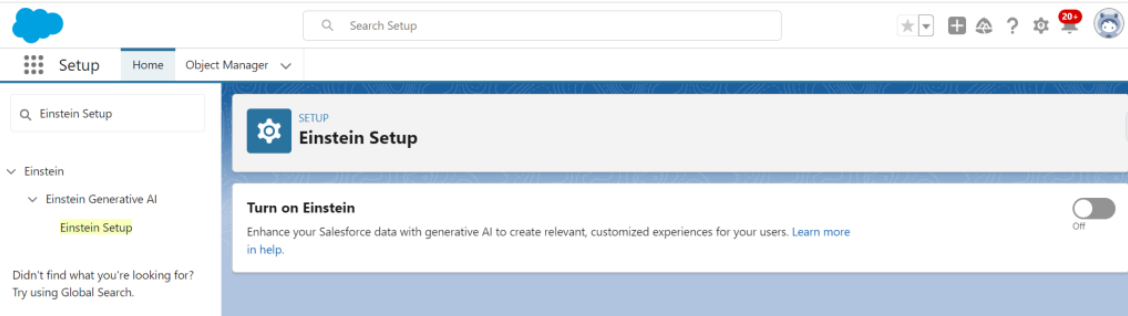
- Click over “Einstein Setup”.
- Click over the toggle as shown in the screenshot below.
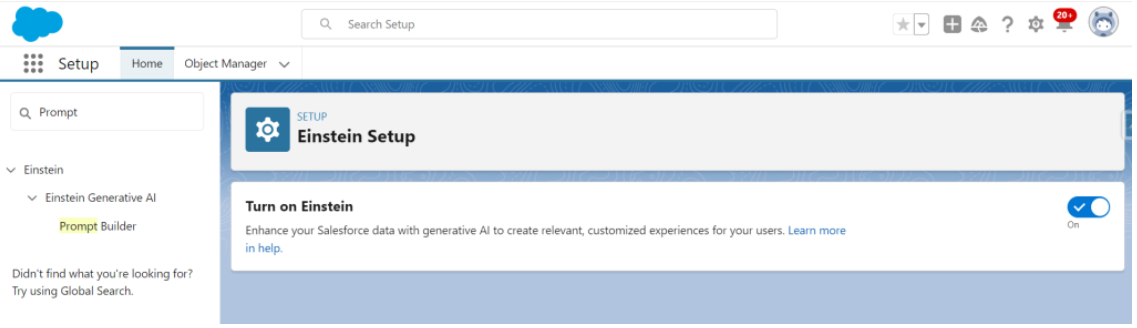
- Refresh the Page and it shows you the Prompt Builder option.
 Centricity Force