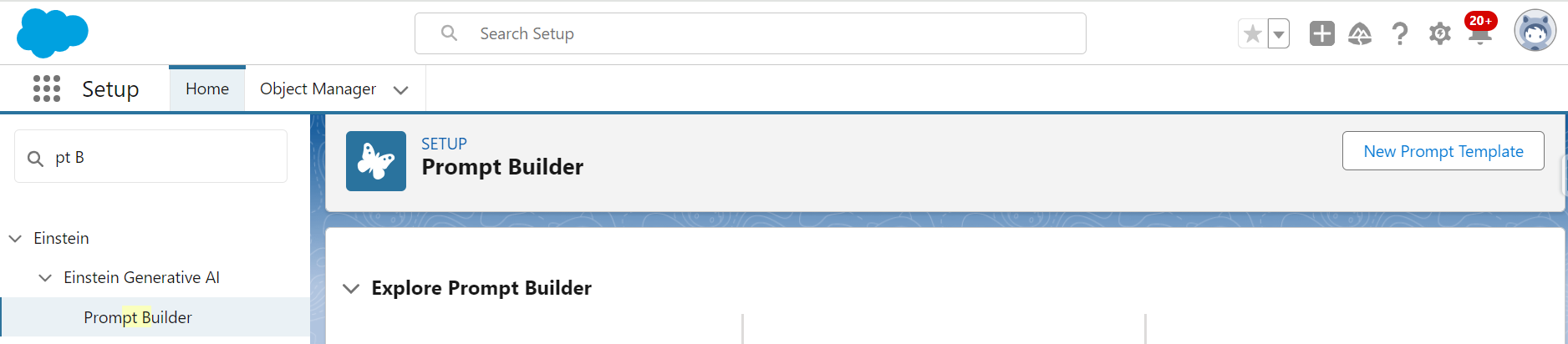
To create a Prompt Template:
- Go to Setup.
- Type Prompt Builder in the Quick Find box.
- Click over Prompt Builder option.
- Click New Prompt Template button.
- There are three types of Prompt Templates.
- Field Generation – Complete this Trailhead Badge to get more insight on.
- Flex – Complete this Trailhead Badge to get more insight on.
- Record Summary – Complete this Trailhead Badge to get more insight on.
- Sales Email – The screenshot below does not show this option. Because, to create a sales email prompt template in Prompt Builder, we need the Einstein for Sales, Einstein for Platform, or Einstein for Service add-on. Check this for more details.

Get this Super Badge, if you feel like!
 Centricity Force